Nebula Boost
Nebula Gaming
Sep 29, 2023
Oct 27, 2025
45 MB
1.4.17
Android 6.0+
12957

Description
Nebula Boost is a cloud gaming app that lets you stream high-end PC and console games on Android without downloads or powerful hardware. Discover an overview of the app and why it’s gaining attention among mobile gamers.
What is Nebula Boost APK?
Nebula Boost is part of the broader Nebula cloud gaming platform, a service designed to deliver high-end PC and console gaming experiences to Android devices by streaming gameplay from powerful remote servers rather than relying on local hardware. This approach allows users to access a large library of AAA games instantly – without long downloads, big storage requirements, or expensive hardware – as long as they have a reliable internet connection. The platform also incorporates features like cloud saves so progress syncs across devices, and an optional built-in VPN that activates during play to help stabilize connections to game servers for smoother performance. By leveraging this cloud infrastructure, Nebula Boost transforms everyday Android phones or tablets into capable gaming consoles, opening premium gaming to a much wider audience.
What features does Nebula Boost APK have?
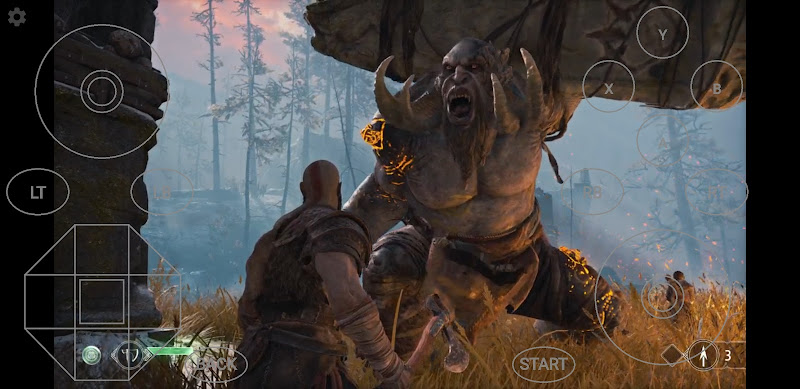
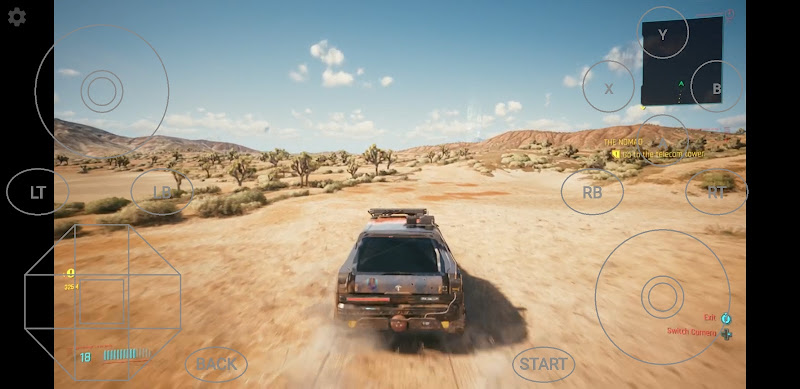
- Play AAA Games Anywhere: Nebula Boost lets you stream high-end PC and console games directly to your Android device without installing large game files. This means even devices with limited hardware can run demanding titles instantly.
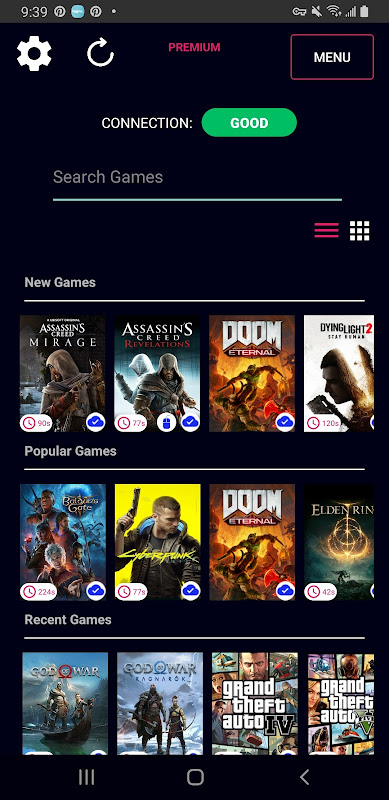
- Wide Game Library Access: The app provides access to a large catalog of popular titles that you can launch without long downloads or updates. Users can browse and play different genres from action to RPG within the same platform.
- Built-In Network Optimization (VPN): Nebula Boost includes a native VPN feature that activates only during gameplay to help stabilize the connection. This network optimization can reduce lag and improve streaming quality on varying internet conditions.
- Cloud Save Synchronization: Game progress is stored in the cloud so you can pick up exactly where you left off, even on a different device. This ensures a seamless gaming experience across sessions without losing progress.
- Bluetooth Controller Compatibility: You can connect most Bluetooth game controllers for a more traditional gaming experience. This makes Nebula Boost suitable for games that benefit from physical controls over on-screen touch buttons.
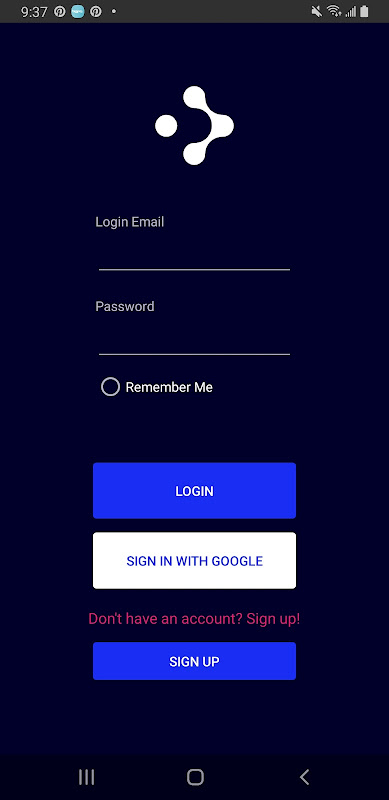
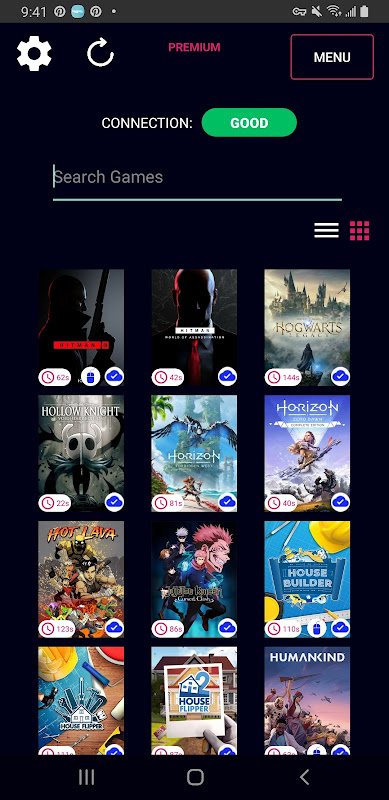
- Simple and User-Friendly Interface: The app’s interface is designed to be intuitive, letting users quickly find and launch games with minimal setup. Navigation through game lists and categories is straightforward, even for new players.
Pros and Cons of Nebula Boost APK
Pros
- Play high-end games on any Android device: Since game rendering runs on powerful cloud servers, even mid-range phones and tablets can stream demanding AAA titles without local hardware limitations.
- Instant play with minimal installs: Users don’t need to download large game files or manage updates, meaning games launch quickly and storage stays free.
- Cloud saves across sessions: Your game progress can sync online so you can continue playing from another device without losing achievements.
- Useful network optimization: The built-in VPN feature activates during gameplay to help stabilize your connection and may reduce latency.
- Bluetooth controller support: Connecting a Bluetooth gamepad provides a more traditional gaming feel and improves control precision over touch input.
Cons
- Requires fast internet: Cloud gaming depends on your connection quality, so slow or unstable networks can cause lag, visual compression, or input delays.
- Latency can affect competitive play: Even with optimization, some delay between your inputs and on-screen response may occur, especially in FPS and fast-paced games.
- High data usage: Streaming high-quality video constantly consumes significant amounts of data, which may be costly on mobile plans.
- Subscription or passes needed: Extended access to the full game catalog often requires purchase of passes or subscription plans.
- Regional performance variability: Server locations and availability can influence streaming quality in certain regions where infrastructure is limited.
What is the experience like using the Nebula Boost APK app on an Android mobile device?
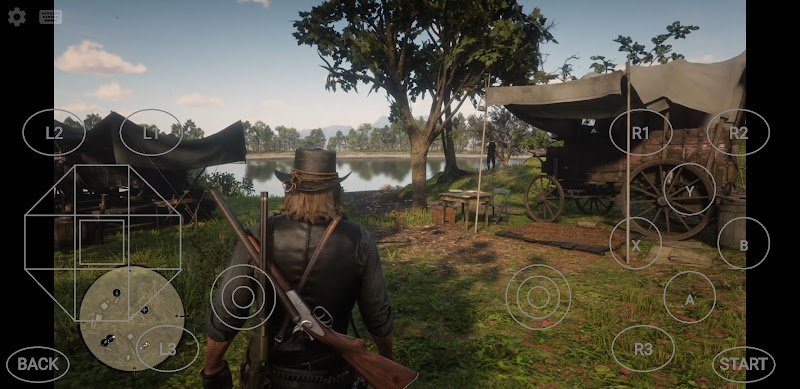
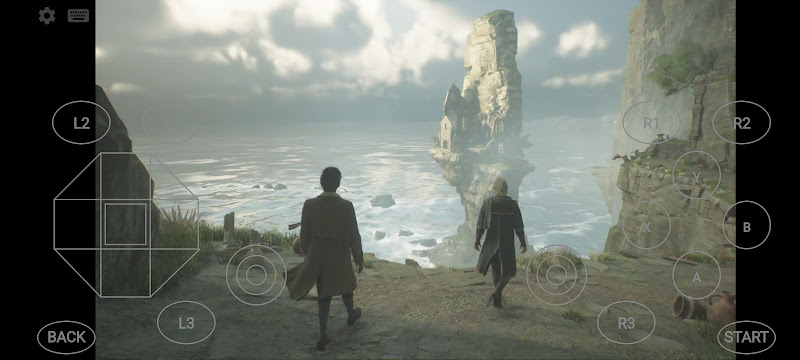
- Control Experience: On Android devices, Nebula Boost supports both on-screen touch controls and Bluetooth controllers, letting you play with virtual buttons or a physical gamepad for more precise inputs. Touch controls are responsive for casual play, while connecting a controller gives a console-like feel that enhances performance in action and racing titles.
- Game Experience on Android Devices: Gameplay feels like streaming video rather than running locally, meaning performance quality depends heavily on internet speed and stability – smooth visuals and low latency are possible with fast connections, while slower ones may show compression or slow response. Users can access many popular AAA titles without needing powerful hardware, which is ideal for gamers who want premium experiences on handheld devices.
- User Interface Experience: The app’s interface is simple and intuitive, with game libraries and menus easy to navigate even for first-time users. It focuses on quick access to games, clear categories, and straightforward setup steps, reducing barriers for players who want to start streaming quickly.
Tips for Playing Nebula Boost APK
- Use a Strong, Stable Internet Connection: Cloud gaming hinges on streaming quality, so connect to Wi-Fi with at least 25–30 Mbps or higher for smoother gameplay and reduced lag. For example, switching from mobile data to a 5 GHz Wi-Fi network can significantly improve responsiveness and reduce visual compression.
- Enable the Built-In Network Optimization: Nebula Boost’s integrated VPN feature activates during play to help stabilize your connection to game servers. Make sure this option is enabled within settings – especially if you experience fluctuations in online performance – as it can help reduce latency spikes.
- Pair a Bluetooth Controller: For action, racing, or shooter titles, pairing a Bluetooth gamepad delivers more precise control than touch inputs. This is particularly true in fast-paced games where split-second responses matter.
- Keep Your Device Charged or Plugged In: Streaming high-quality graphics continuously can drain battery quickly, so having your device plugged in during longer sessions helps maintain performance and prevents unexpected shutdowns.
- Close Background Apps: Closing other apps frees up system resources and network bandwidth, helping Nebula Boost allocate more performance toward your game session. This is especially useful on mid-range devices with limited RAM.
- Test Servers in Different Regions: If you experience lag, try switching to a game server located closer to your region when options are available – this can reduce ping and improve stability. Some cloud gaming setups let you choose server regions manually in settings.
- Choose Lower Visual Settings When Needed: While Nebula Boost adjusts quality automatically, some games may allow manual quality selection. Choosing slightly lower graphics settings can smooth gameplay on less reliable internet without significantly compromising visuals.
Conclusion
Nebula Boost is one of the most compelling cloud gaming options currently available on Android. With an ever-growing library of premium games, optimized performance, and flexible controls, the app delivers a top-tier gaming experience right in the palm of your hand – without the need for high-end hardware or large storage space. Nebula Boost offers cloud gaming with minimal barriers. Ready to elevate your Android gaming experience? Download Nebula Boost now and start playing top games instantly!
FAQs
1.Does Nebula Boost APK support cloud saves?
Yes, game progress is saved in the cloud, allowing you to continue playing across sessions and devices.
2. Can I use a Bluetooth controller with Nebula Boost APK?
Yes, the app supports most Bluetooth controllers, offering a more console-like gaming experience.
3. Is there built-in network optimization in Nebula Boost APK?
Yes, Nebula Boost includes a built-in network optimization feature that activates during gameplay to help stabilize connections.
4. Can I play on Android TV using Nebula Boost APK?
Nebula Boost is compatible with certain Android TV devices, allowing gameplay on larger screens when supported.
5. Are games updated automatically on Nebula Boost APK?
Yes, game updates are handled on the server side, so you always play the latest version without downloading patches.
What's new
- Version 1.4.17 released with improved streaming stability and performance optimizations.
- Enhanced controller support and responsiveness.
- Updated interface tweaks for easier navigation.
- Built-in VPN enhancements for smarter network routing.
Images